Tech
Take a careful approach to digital tasks. Explore practical guides to organizing downloads, reviewing files, and keeping important documents easy to find.
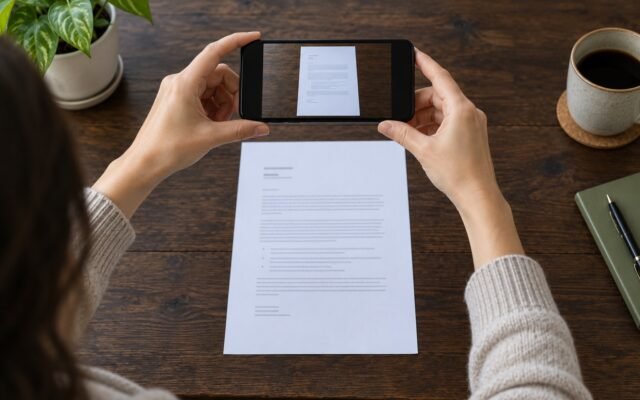
Scan Documents With Your Phone—and Find the PDFs Later
Turn paper documents into readable PDFs with iPhone Files or Google Drive on Android, then check, name, store, and share the right file.
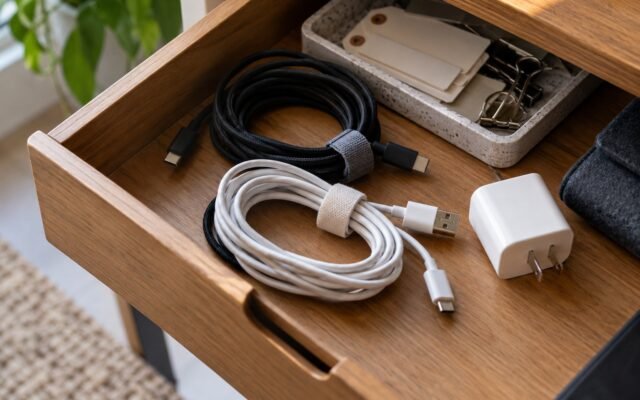
How to Organize Charging Cables Without Losing the Useful Ones
Sort cables by device and purpose, label verified capabilities, and build a small daily-use kit without guessing what every connector can do.

Is the iPhone 18 Pro a Sales Flop? What the Demand Reports Show
Reported component-order cuts have raised questions about iPhone 18 Pro demand. Here is what the evidence supports—and what it means for buyers.

Five Keyboard Shortcuts Worth Learning First
Practice copy, paste, undo, select all, and find in a harmless draft before using them in everyday work.

Organize Chrome Tabs Around the Task You Are Doing
Use a few named tab groups to separate active work from pages you only need to keep for later.

Before You Share a Google Drive File, Check These Settings
Match the recipient, permission level, and link settings to the task before sending a document.

How to Reduce Phone Notifications Without Going Completely Silent
Keep the alerts that deserve your attention and quiet the rest with a small, reversible notification cleanup.

iPhone 18 Pro vs 17 Pro: What Makes an Upgrade Worth It?
Compare the Pro and Pro Max models, then weigh camera controls, battery ratings, size, and the actual cost of upgrading.

A Simple File-Naming System You Can Keep Using
Choose a predictable order for dates, subjects, and versions so your documents make sense outside the folder where you saved them.

Organize Browser Bookmarks Around What You Actually Do
Separate daily tools, active projects, and reference links so saved pages are useful when you need them.